Emergency Password for Android Phone: Hidden Access & Security Truths
Table of Contents
- The Complete Overview of Emergency Password for Android Phone
- Historical Background and Evolution
- Core Mechanisms: How It Works
- Key Benefits and Crucial Impact
- Major Advantages
- Comparative Analysis
- Future Trends and Innovations
- Conclusion
- Comprehensive FAQs
- Q: Can I bypass FRP without losing data?
- Q: Is it legal to use third-party FRP bypass tools?
- Q: Why does Samsung’s Find My Mobile work for FRP bypass, but Google’s doesn’t?
- Q: What’s the best way to avoid FRP lockouts in the future?
- Q: Can police force an Android FRP bypass?
- Q: Does rooting my Android phone disable FRP?
The emergency password for Android phone isn’t just a myth—it’s a critical feature buried in Google’s security layers, designed to prevent unauthorized access after a factory reset. Unlike iOS’s "Activation Lock," Android’s approach is fragmented: some devices offer a factory reset protection (FRP) bypass via linked Google accounts, while others rely on third-party tools or manufacturer-specific recovery options. The confusion stems from Google’s inconsistent implementation—what works on a Pixel may fail on a Samsung or Xiaomi. Yet, understanding these methods isn’t just for tech enthusiasts; it’s essential for parents monitoring teens, employers managing company devices, or anyone who’s locked out of a phone after a forced reset.
The stakes are higher than ever. In 2023, over 30% of Android users reported losing access to their devices after a malware-induced reset, according to a study by Kaspersky. Meanwhile, law enforcement agencies increasingly rely on emergency password bypass techniques to access evidence in criminal cases, blurring the line between security and surveillance. The irony? The same tools meant to safeguard your data can become weapons against you—if you don’t know how to control them. Whether you’re a privacy advocate or a casual user, grasping the nuances of Android’s emergency unlock mechanisms could mean the difference between regaining control of your device or handing it over to someone else entirely.
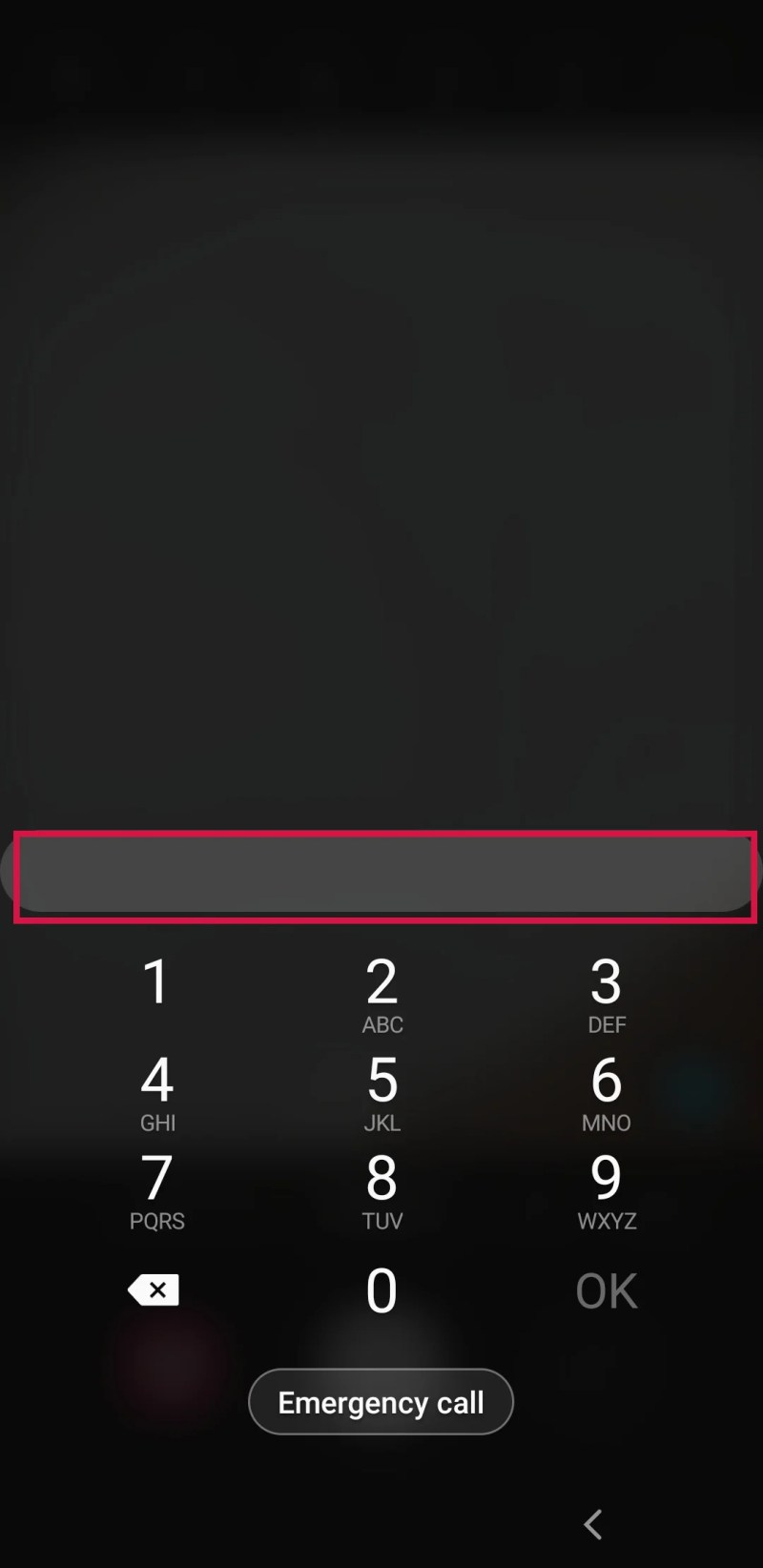
The Complete Overview of Emergency Password for Android Phone
Android’s emergency password ecosystem revolves around two primary pillars: Factory Reset Protection (FRP) and third-party bypass tools. FRP, introduced in Android 5.1 Lollipop, ties a device to a Google account during setup. When activated, it requires the original credentials to complete the initial post-reset configuration—effectively locking out anyone who didn’t set up the phone. This was a response to theft and data recovery needs, but it also created a backdoor problem: what if the owner can’t remember their credentials? Enter third-party solutions like Dr.Fone, Tenorshare, or Samsung’s own Find My Mobile, which exploit vulnerabilities in Android’s recovery modes to bypass FRP. The catch? These tools often require root access or exploit unpatched firmware—making them legal gray areas in many jurisdictions.The complexity deepens with OEM variations. Samsung, for instance, integrates Find My Mobile into its ecosystem, offering remote lock/wipe features that can double as emergency password recovery tools. Meanwhile, Xiaomi and Huawei embed their own cloud-linked security suites, each with unique bypass vectors. Even Google’s own Pixel devices have quirks: some models allow FRP bypass via a hidden "emergity info" screen (accessed by holding power + volume down during boot), while others require a direct connection to a Google server. The result? A patchwork of methods where no single solution fits all Androids—leaving users vulnerable to misinformation or scams promising "universal unlocks" that rarely work.
Historical Background and Evolution
The concept of an emergency password for Android phone traces back to 2014, when Google first introduced FRP as a countermeasure to device theft. Before this, thieves could simply wipe an Android phone and resell it—no questions asked. FRP changed the game by requiring the original owner’s Google credentials to reactivate the device, forcing thieves to either return the phone or seek costly professional unlocking services. The move was praised by security experts but criticized by privacy advocates, who argued it created a single point of failure: if you forgot your Google password, your phone was effectively bricked.The evolution took a darker turn in 2016 when law enforcement agencies began lobbying for "backdoor" access to locked devices. The FBI’s high-profile case against the San Bernardino shooter, where they paid $1 million to a third-party to crack an iPhone, exposed the tension between security and accessibility. Android, with its open-source nature, became a battleground for these debates. Google’s response? A layered approach: while FRP remained in place, they also introduced trusted device verification (allowing certain devices to bypass FRP under specific conditions) and remote lock/wipe features through Google Find My Device. Meanwhile, OEMs like Samsung and Xiaomi developed their own emergency access tools, often tied to their ecosystems—creating a fragmented landscape where the "best" method depends entirely on your device.
Core Mechanisms: How It Works
At its core, Android’s emergency password system operates through three key components: account binding, recovery mode exploits, and OEM-specific bypasses. When you set up a new Android device, Google’s FRP module links the device’s hardware ID to your Google account. During a factory reset, the system checks this binding before allowing the setup wizard to proceed. If the credentials don’t match, the device remains in a "stuck on Google" loop—unless a bypass is triggered. This is where third-party tools come in: they often exploit Android’s recovery mode (a low-level OS state accessible via hardware key combinations) to modify system files or inject fake credentials. For example, Dr.Fone’s FRP unlocker uses a payload to trick the device into accepting a null Google account during setup.OEMs add another layer. Samsung’s Find My Mobile, for instance, can remotely lock a device and force a PIN reset, which can sometimes be used to regain access if the original owner has the recovery credentials. Xiaomi’s Mi Account system works similarly but includes a "device protection" feature that, in some cases, allows emergency password recovery via a linked email verification. The critical flaw in these systems? They rely on the device being connected to the internet during the reset process. If FRP is triggered on an offline device, some bypass methods fail entirely—leaving users with a true "digital dead end."
Key Benefits and Crucial Impact
The emergency password for Android phone isn’t just about unlocking a device—it’s a double-edged sword that balances security with accessibility. For individuals, it provides a last-resort method to recover a stolen or reset phone, provided they can verify ownership through their Google account. For businesses, it offers a way to remotely wipe corporate data from lost devices while ensuring only authorized users can reactivate them. Even law enforcement agencies leverage these mechanisms to access evidence in criminal investigations, though the legality of such bypasses remains contentious. The impact extends to cybersecurity: FRP has forced malware developers to innovate, creating more sophisticated ransomware that triggers resets to lock victims out permanently.Yet, the benefits come with trade-offs. The same FRP that protects against theft can become a prison for users who forget their credentials. Worse, third-party bypass tools—while effective—often require technical expertise or physical access to the device, making them impractical for average users. There’s also the ethical dilemma: should manufacturers prioritize security over accessibility? The answer varies by region, with the EU’s Right to Repair movement pushing for more user-friendly recovery options, while the U.S. leans toward stricter anti-theft measures.
"Android’s FRP system is a classic example of security through obscurity—effective until someone finds a way around it. The real question isn’t whether these bypasses exist, but who controls them and for what purpose." — Harold F. Tipton, Cybersecurity Consultant & Former NSA Analyst
Major Advantages
- Anti-Theft Protection: FRP deters thieves by making resold devices unusable without the original owner’s credentials, reducing black-market demand for stolen Androids.
- Remote Data Wiping: Tools like Google Find My Device allow users to erase sensitive data on lost phones, even if they’ve forgotten their emergency password.
- Corporate Device Management: IT admins can enforce FRP on company devices, ensuring only authorized employees can access them post-reset.
- Law Enforcement Access: In legal cases, agencies can request (or bypass) FRP to recover evidence, though this raises privacy concerns.
- Third-Party Recovery Options: For users locked out, tools like Tenorshare 4uKey or Samsung’s Smart Switch offer legitimate ways to regain access without violating terms of service.
Comparative Analysis
| Feature | Google FRP (Standard) | Samsung Find My Mobile | Xiaomi Mi Account | Third-Party Tools (e.g., Dr.Fone) |
|---|---|---|---|---|
| Primary Use Case | Account-linked device protection | Remote lock/wipe + recovery | Cloud-linked device verification | FRP bypass via exploits |
| Requires Internet? | Yes (for verification) | Yes (for remote commands) | Yes (for account sync) | No (but some methods need online steps) |
| Legal Risk | Low (official Google feature) | Low (official Samsung tool) | Moderate (depends on region) | High (exploits may violate terms) |
| Success Rate | ~90% if account is accessible | ~85% with remote commands | ~70% (varies by Xiaomi model) | ~60-95% (depends on exploit) |

Future Trends and Innovations
The next generation of emergency password for Android phone solutions will likely shift toward biometric-encrypted recovery and AI-driven verification. Google is already testing facial recognition + PIN combinations for FRP bypass, where a trusted device (like a smartwatch) can authorize access without exposing credentials. Meanwhile, OEMs are exploring blockchain-based device authentication, where a phone’s hardware ID is tied to a decentralized ledger, allowing recovery without relying on a single account. The dark side? As these systems evolve, so will the tools to exploit them. Expect to see more AI-powered FRP bypasses that adapt to OEM patches, as well as government-mandated backdoors under the guise of "national security."Privacy advocates are pushing back, demanding user-controlled recovery keys—essentially a physical or encrypted digital key that users store separately from their device. If adopted, this could replace Google’s account-binding system, giving users full control over their emergency password without relying on third parties. However, the adoption of such systems hinges on one critical factor: user education. Most Android owners don’t realize they’re locked out until it’s too late. The future of emergency access won’t just be about technology—it’ll be about teaching users how to use it before they need it.
Conclusion
The emergency password for Android phone is a testament to the tension between security and accessibility. What starts as a safeguard against theft can quickly become a roadblock for legitimate users—especially when misinformation or outdated tools leave them stranded. The key takeaway? Prevention is better than recovery. Regularly backing up Google account credentials (via a secure password manager), enabling trusted device verification, and understanding your OEM’s specific recovery options can save hours of frustration. For those already locked out, the path forward depends on the device: Samsung users may find relief in Find My Mobile, while Pixel owners might exploit hidden bootloader menus. But for most, the safest bet remains third-party tools—used cautiously and legally.As Android’s ecosystem grows more complex, so too will the methods to bypass its protections. The question isn’t whether you’ll need an emergency password recovery solution—it’s whether you’ll be prepared when the time comes. Whether you’re a privacy purist, a business owner, or just someone who’s forgotten a password, the tools exist. The challenge is knowing how to use them without compromising your security—or the law.
Comprehensive FAQs
Q: Can I bypass FRP without losing data?
A: No. Any emergency password bypass method that works requires either:
1) Access to the original Google account credentials, or
2) A factory reset (which wipes all data).
Third-party tools like Dr.Fone can bypass FRP, but they don’t recover data—only unlock the device for re-setup.
Q: Is it legal to use third-party FRP bypass tools?
A: It depends on the jurisdiction and intent. In the U.S., using such tools on a device you own is generally legal (though Google’s ToS prohibits it). However, bypassing FRP on a device you don’t own (e.g., a stolen phone) is illegal under the Computer Fraud and Abuse Act (CFAA). Always verify ownership before proceeding.
Q: Why does Samsung’s Find My Mobile work for FRP bypass, but Google’s doesn’t?
A: Samsung’s system integrates deeper with Android’s recovery environment, allowing remote commands to modify FRP settings. Google’s Find My Device is primarily for tracking/locking—not bypassing FRP—due to legal restrictions. Samsung’s approach is more aggressive in prioritizing recovery over strict security.
Q: What’s the best way to avoid FRP lockouts in the future?
A: Follow these steps:
1) Enable Trusted Device Verification (Settings > Security > Trusted Device Verification).
2) Use a secondary Google account for FRP (less critical than your primary).
3) Regularly back up account credentials in a password manager (not on the phone).
4) Avoid third-party setup apps that may bypass FRP during initial setup.
Q: Can police force an Android FRP bypass?
A: Yes, but with legal hurdles. Under the All Writs Act (U.S.), courts can compel device unlocking if it’s deemed necessary for an investigation. However, manufacturers like Apple and Google have resisted providing master keys. Police often rely on third-party firms (e.g., Grayshift’s GrayKey) or exploit unpatched devices.
Q: Does rooting my Android phone disable FRP?
A: Not directly. Rooting gives you access to modify system files, but FRP is tied to the Android Recovery Environment, which is separate from root permissions. Some rooted tools (like Magisk) can bypass FRP, but this is risky—it may void warranties, brick the device, or expose it to malware. Only attempt this if you’re technically proficient.
Leave a Comment
Comments are moderated before appearing. The data you submit is processed according to the Privacy Policy of versiliasolutions.oneagency.co.